
To change the email that "owns" your podcasts you need to navigate to the Podcasts area of your admin.
Then in the top left you should see Settings.

This page has a section devoted just to this option. Add your email and hit save.
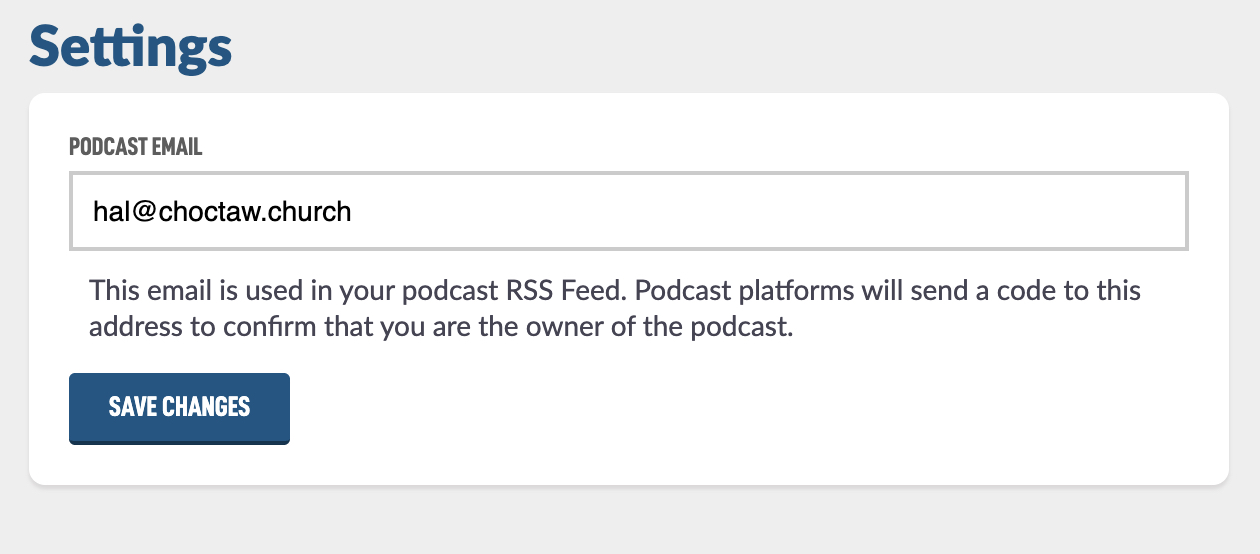
This email will receive codes that are sent from various podcasting platforms to verify you own the podcast. This keeps people from hijacking your podcast.

