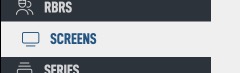
Navigate to the Screens section of the admin.
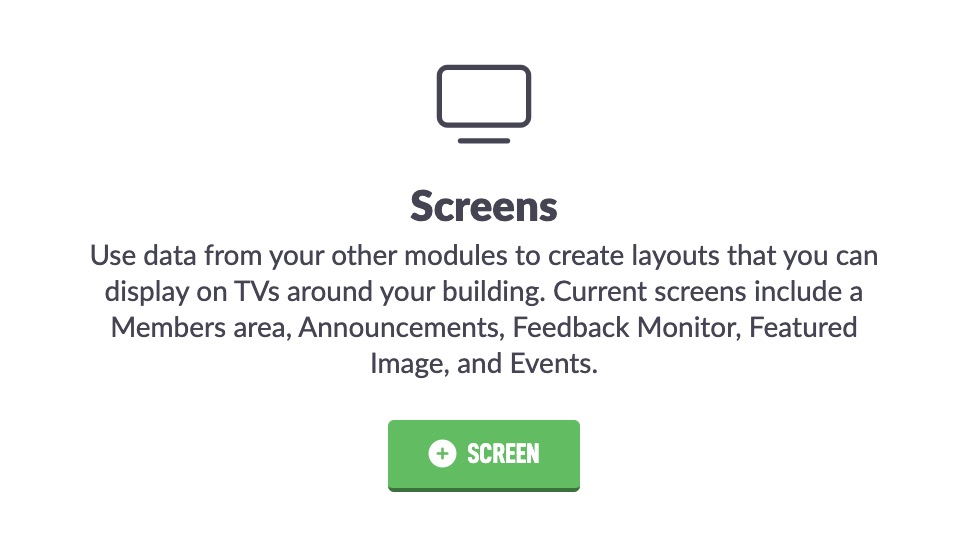
Then find the + Screen button on the screen. If you have already added a screen, it will be in the top left corner of the screen.
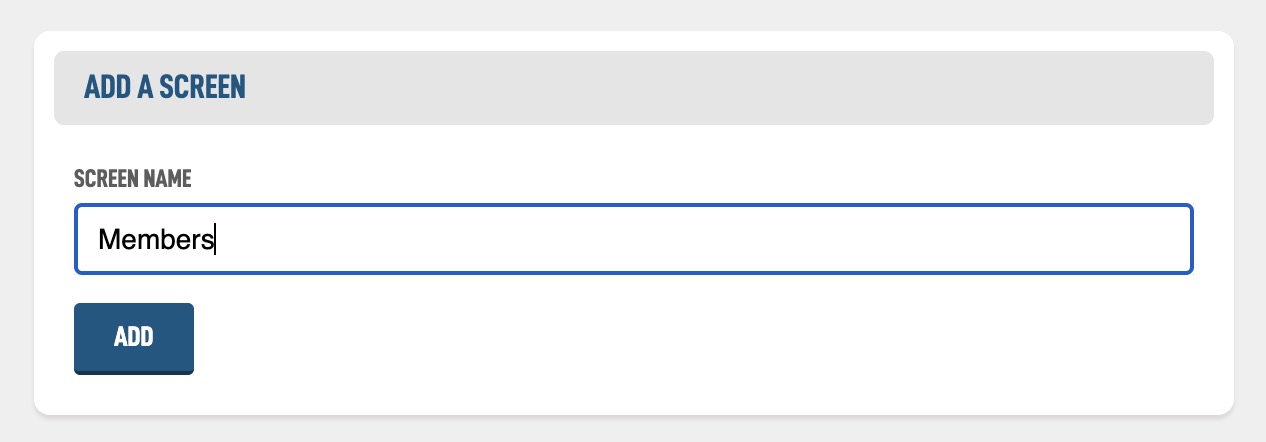
On the following screen you simply need to give your new screen a name so we can know which screen is which later on.
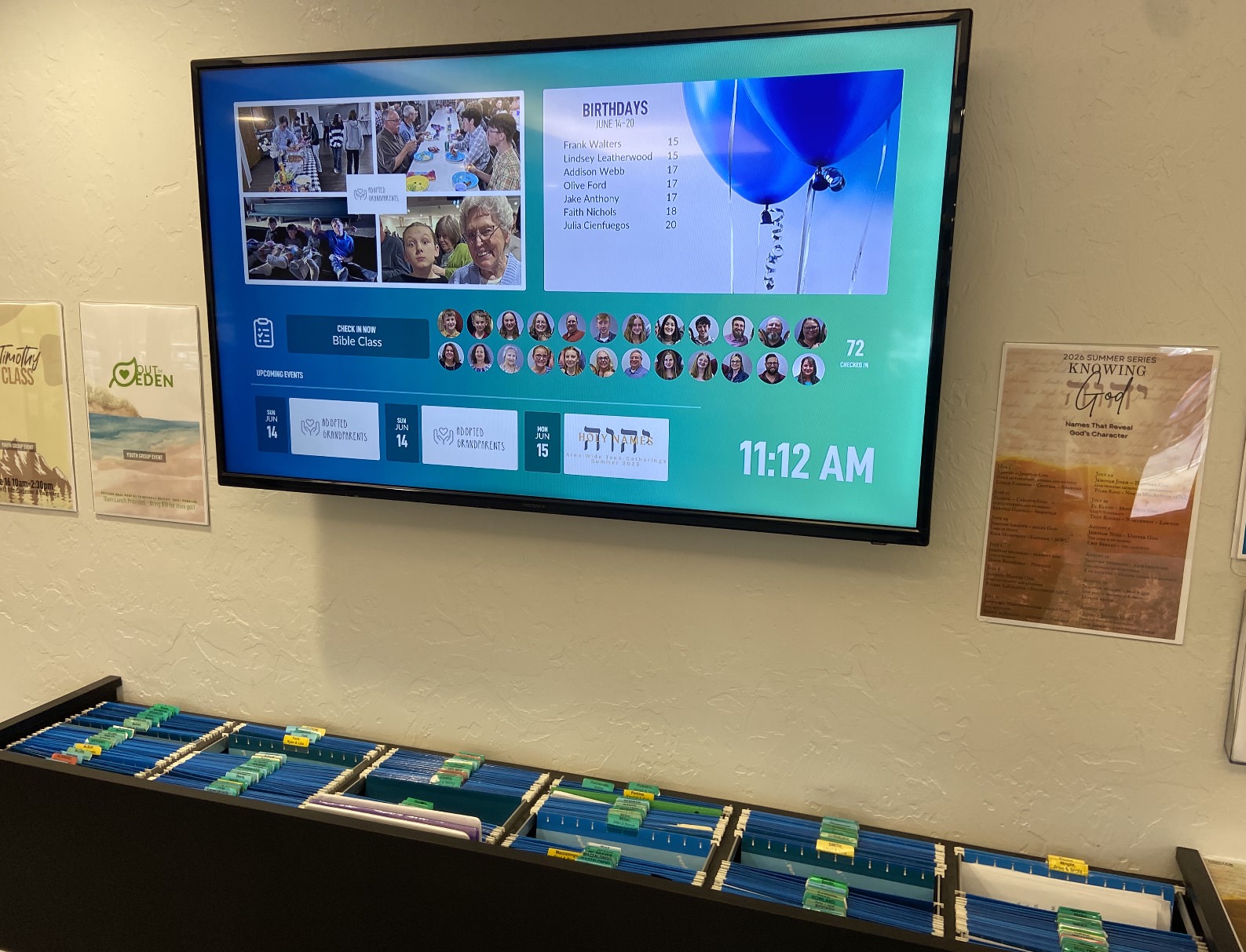
For this Help Guide we are going to make a screen that can go in your foyer and show different information above our Member's Area. Load the name and hit Add.
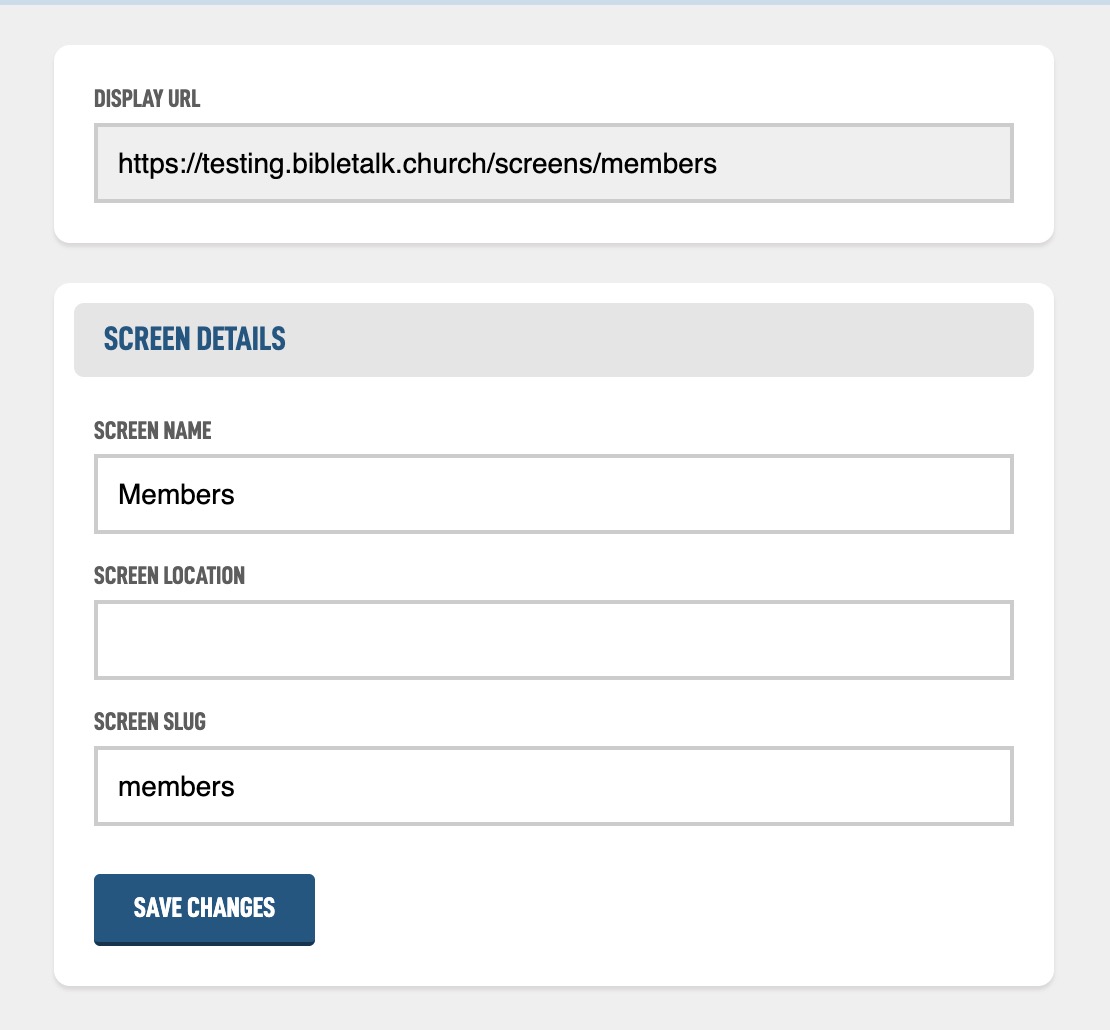
You then have a few more options to explore. The most important being the Display URL. This is the link you will use to show the screen on your TV.
If you want to test it out, just hit the View button in the top right corner of the screen and you should see a full gradient of your site colors and your church logo in the middle.