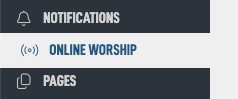
Navigate to the Online Worship module in the admin.
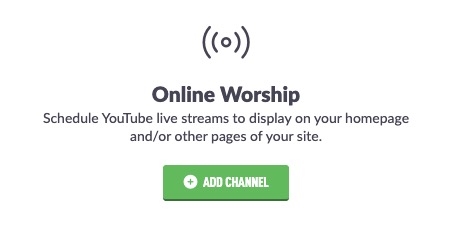
If no channels are added, tap the Add Channel button in the middle. If you have other channels, it will be in the top left corner.
You know have a form for your new channel.
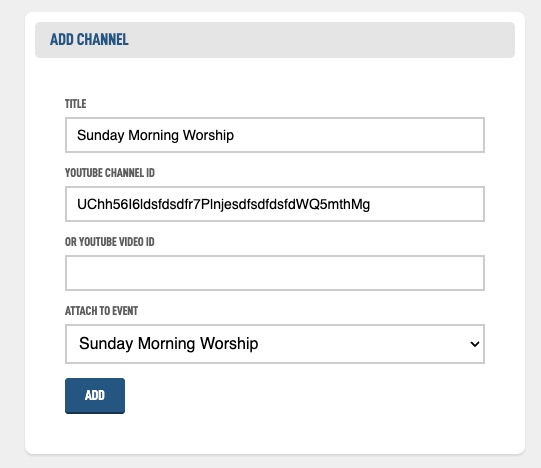
Once the data has been added. Hit the Add button. Your next option is to create a thumbnail.
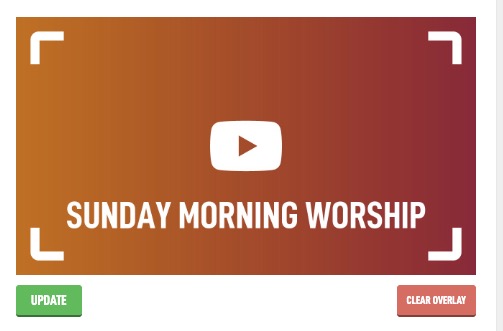
You can upload a custom graphic or hit the Use Gradient button that will pull from your Settings to make a graphic automatically for you that matches your colors.
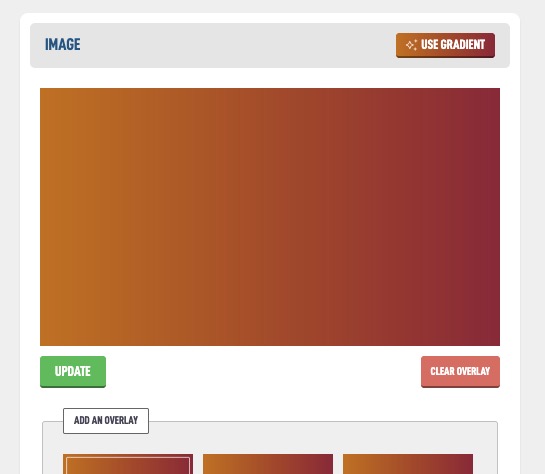
You can than add an overlay to the graphic with the buttons below. If later you want to add a custom image later, tap the Update button to do that.