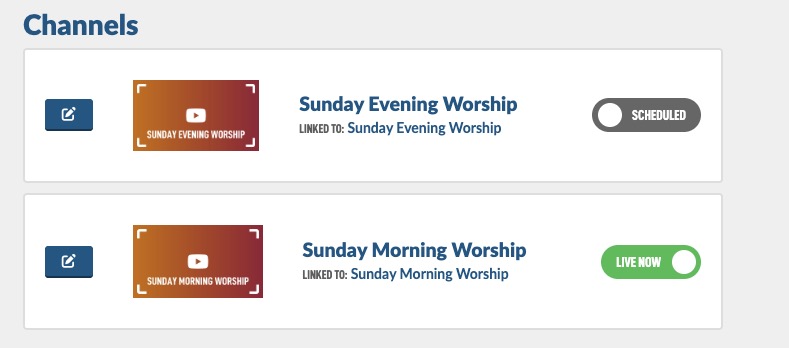
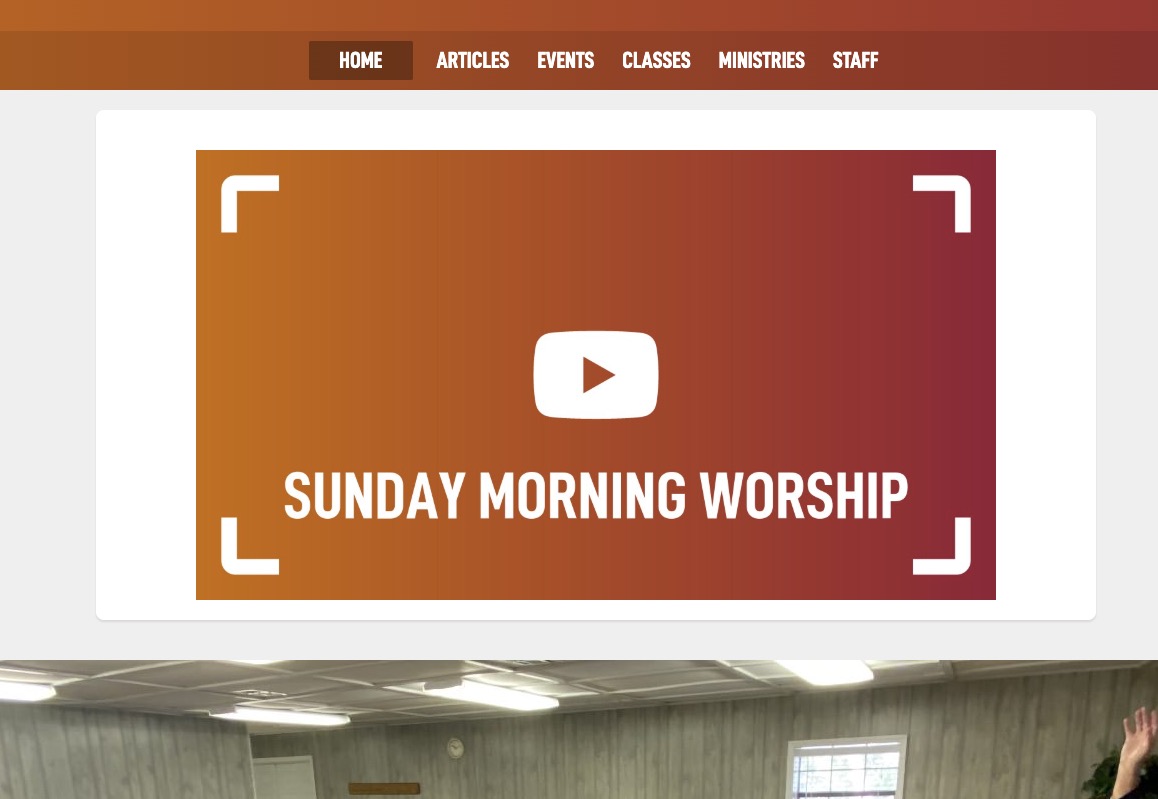
First you will need to create one or multiple Online Worship channels. Here is a help guide to do that.
Our recommendation is to create one Online Worship channel for each of your Events that are Bible Class or Worship and then link them each to the matching Event. The YouTube Channel ID can be the same for each one, just different graphics. For example:
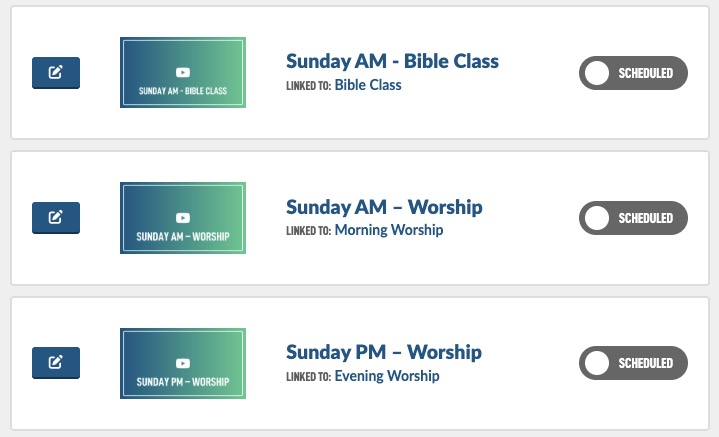
So now we want those to appear on the homepage (or any page you want, maybe just in your Member's area) when the events are schedule.
Navigate to the Pages modules in the admin.
Then find your Home page and tap the Edit icon button.

Then Hit the Page Content button so we can access the Page Builder.
Then tap Add Section button at the bottom of the screen, this will add a white section, there are some arrows on the side of that section, drag it to the top of your screen.
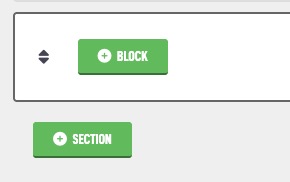
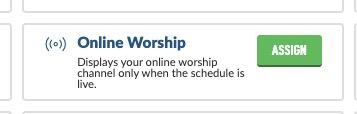
Now the that section is in place, tap the Add Block button. Then find the Online Worship block and tap Assign.
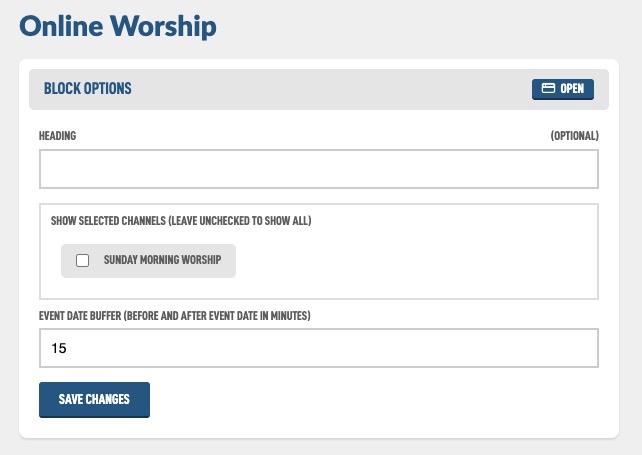
You now have a few more options for the block.
That's it! Now it should start to show when your Events are scheduled and link automatically to your channel's live page for your member's to find your live stream.
If you ever want to go live manually, navigate back to the Channels listing page and tap the Scheduled toggle to Live Now. You can also use this to test what it will look like outside of the scheduled events.
Note: the search for live channels is cached for 45 seconds to keep your site loading quickly. If you turn off the Live Now, it could take a ~45 seconds to stop showing.